
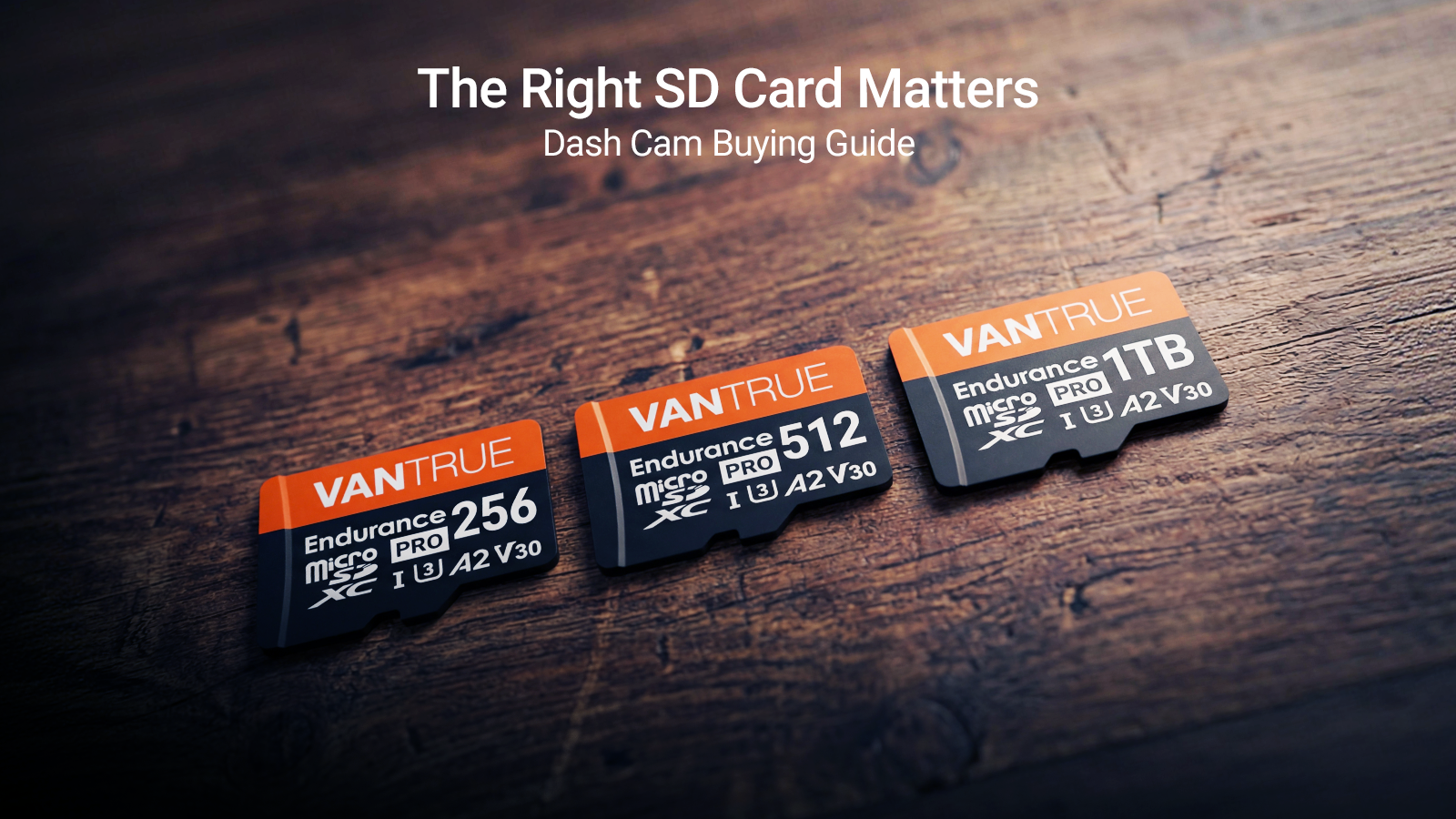
Fender bender incidents always end up in a he-said-she-said scenario, which may escalate into a fight, then into a police investigation. A dash cam is a saving grace in these situations. If you have one, you can settle the dispute. But with a low-quality cam SD card, the footage becomes corrupted, and the file is erased–a common incident with cheap brands.
For any driver looking to secure evidence after an accident, the memory is as important as the recording device itself. When a seller asks you, “Do you need an SD card for a dash cam? ” don’t ignore the question. Because you need this card. Your safety actually hinges on this storage device.
Virtually, a micro SD card for a dash cam is a critical component for the device to deliver its goods. Without it, your dash cam, regardless of how expensive it is or how many features it boasts, is next to useless. If you can’t archive important incidents, then you’ve compromised your safety–quite basically.
This brief guide will help you navigate the intricate choices you need to make in deciding on your next SD card purchase. We will talk about capacity, endurance features, and, of course, speed. Moreover, we will talk to you about optimizing your setup and the basic features for a smooth dash cam loop recording.
Do You Need a micro SD Card for a Dash Cam?
A solid YES! A micro SD card that performs well and stores data consistently has to be non-negotiable. You need to complement your device with a quality SD card. Dash cams are designed to run on their own without the need for internal storage. Its only program is to offload all footage to a removable memory card. This keeps the device compact and easy to use for footage retrieval.
But operating a dash cam without a card, or if you’ve inserted one that is easily corrupted or compromised, leads to zero output, rendering your dash cam as a glorified plastic box pretending to be a rear-view mirror.
The device may display front and back views, but it won’t record anything. Operating one without a card highlights the need to insert the correct card.
The correct SD card will make sure you're continuously recording, and that it supports maintenance functions, like periodic formatting that prevents loss of data and file corruption.
What Size SD Card is Appropriate for Dash Cam Use?
Identifying what size SD card for a dash cam you need to install depends on your workload as a regular driver and your device’s camera resolution. If you drive for long hours regularly and you need clearer footage every time, you will need large-capacity memory cards. These cards have a longer loop recording, so they won’t keep overwriting the oldest footage.
A 32GB card is often sufficient for short commutes as it can support a few hours of archive footage. A 128GB card provides a lot of buffering space for regular drivers and long trips. Rideshare operators and long-haul truckers who need multi-channel camera set-ups (each with 4K resolutions) will have to buy the best 256GB SD card for their dash cam. With this memory, their dash cam can have an extended retention.
Take note, however, that a 4K resolution and elevated frame rates (60fps, for example) eat memory space exponentially faster. So always consider the driver’s profile and car usage. A daily commuter’s needs are different from those of a professional operator.
|
Capacity |
Approx. Hours at 1080p (Loop Recording) |
Best For |
Price Range |
|
32GB |
4-6 hours |
Short commutes, low resolution |
Low |
|
128GB |
16-24 hours |
Daily drivers, standard use |
Medium |
|
256GB |
32-48 hours |
Heavy users, multi-channel, 4K |
Higher |

What Is Dash Cam Loop Recording?
Loop recording is a critical function of dash cams. A traditional video camera will stop recording once it runs out of tape. You need to rewind the tape and overwrite it to get it running again.
On the other hand, loop recording allows continuous operation without removing anything. The memory card doesn’t fill up; it just keeps overwriting data. The system deletes the oldest data to make space for newer footage. This seamless operation continues indefinitely without manual intervention.
Footage is saved in short file segments, which are compartmentalized as one, two, or three minutes long. When archiving footage, data can then be identified as compartments. In other words, you delete segments, not the long archived footage.
But here’s the neat trick. When the dash cam captures a critical moment (say, a collision detected by the device’s G-sensor), the data is locked and protected. It won’t be overwritten by loop recording.
Still, you have to remember. The process involves writing and rewriting. Loop recording will go on forever if and when you have installed a sturdy and robust cam SD card . A low-budget, low-quality card won’t endure constant overwriting.
Key Features of Micro SD Cards Necessary for Car Dash Cams
Unlike memory cards you install on your smartphones, SD cards used by a dash cam will undergo a more gruelling workload. The continuous loop recording of large video files necessitates unique technological capabilities.
You need a specific speed capability. That said, purchase a minimum speed rating of UHS-I U3 or V30. This tag will guarantee that the writing speed keeps up at least 30mb per second, which is what you need in recording high-resolution and dual-channel footage. This writing speed also guarantees that your footage won’t drop frames.
Considering this, do not buy basic class 10 cards. These simply cannot handle the enduring writing demands for dash cams.
The most important consideration for a memory card is, of course, endurance. Standard cards can store burst writing (like taking a photo). But dash cams need to write exponentially faster with their constant, surveillance-type recording.
Make sure your micro SD card for the dash camis built to last, capable of working 10,000 or more overwrites.
Lastly, check for proper formatting. Look for FAT32 and temperature resilience. Dash cams need to be able to function properly even in extreme temperatures, ranging from -25 degrees to 85 degrees Celsius.

Best 256GB SD Card for Dash Cam Recommendations
When looking for the best 256GB SD card for a dash cam , checking on the card’s capacity is just the first step. The next features you need to be looking for are compatibility and endurance. A reputable brand, like Vantrue , must have a solid user review testifying to its reliable performance with its dash cams.
Take a look at a sustained write speed of more than 30MB/s and label that reads “Surveillance Grade” or “High Endurance”. Normally, these cards will be complemented by a five-year-plus warranty that can even cover write-intensive applications.
Avoid obscurely branded cards and cheap ones. Their expiry dates are often shorter than bread, especially when used for high-intensity writing and recording.
Do due diligence and check for the manufacturer’s card specifications so it will be compatible with your dash cam. You can check that out in the dash cam’s manual.
Cam SD Card Maintenance and Longevity
Even high-endurance cam SD cards need maintenance from time to time to ensure optimal performance and prolong their operational life span. Loop recording (the cycle of writing and deleting data) will eventually cause file fragmentation and directory errors.
By formatting the card periodically (the manufacturer recommends every 2-4 weeks), the card’s functionalities can be maintained. Formatting can be performed in the dash cam’s menu function. This ensures that the card will be formatted correctly (as FAT32) to be compatible with the specific dash cam. When formatting on the PC or Mac, you need to make sure to apply the correct file system.
Before formatting, back up your files, especially any critical footage. Also, a good routine check for your dash cam is to ensure the firmware is updated. Newer firmware versions optimize the card’s writing and other management processes. Sudden file corruption, camera alerts, and dropped frames are always signs that the card needs to be replaced–usually after 1-2 years of everyday use.
Buying Guide: Steps to Choose Your Cam SD Card
To select the correct memory card, look for compatibility and endurance first. You can buy cheap, but don’t say we didn’t warn you if you do.
Step 1: Match Dash Cam Model Specifications
Look at your dash cam’s user manual. Flip to the page where it specifies the maximum supported size (usually, it’s 256GB or 512GB) and the least required speed (U3/V30). Choosing below these standard specifications will cause immediate recording errors.
Step 2: Assess Needs (Size via Loop Recording Habits, Endurance via Usage)
Determine the size based on your daily usage and requirements (will you be recording 24 hours of video?). Choose high endurance cards if you’re driving every day.
Step 3: Verify Reviews for Real-World Dash Cam Performance
Do a buyer’s research and check reviews of the card’s use in dash cams.
Conclusion
Choosing the right cam SD card is as critical as deciding that you need a dash cam for your safety on the road. Without it, the dash cam itself will be a wasted investment. Always choose a high-quality micro SD card for a dash cam so that you will get clear and crisp data every time. It is recorded evidence of your driving experience.
Prioritize the right size. Most will recommend purchasing the best 256 GB SD card for a dash cam, so you will get extended operational life. To ensure your data saves footage seamlessly, do not forget to place your card under periodic formatting.
By doing all of this, you are guaranteed peace of mind. You know a device has your back in recording critical moments on the road.
Apply this guide today to upgrade your storage. Buy only Vanture SD cards for your Vantrue dash to ensure your device functions flawlessly.
Share:
Consumer Reviews: What Are People Saying About Vantrue's Nexus Dashcams?
Why the 4-Channel Dash Cam is the Best Dash Cam 2026 Choice for Total Security
1 comment
I have Vanture Dashcam N2 Pro but not SD card therefore I have bought many SD card for this after formatted with fat 32 thereto still giving error and not recording.
Please could you suggest me the right SD card for my N2 Pro.
Thanking you in anticipation