



Ships Fast from Local Warehouses
30-Day Hassle-Free Returns
Up to 18-Month Warranty
Fast shipping & returns
Nexus 2X
If you have any questions, you are always welcome to contact us. We'll get back to you as soon as possible, within 24 hours on weekdays.
Shipping Information
Free shipping for all US order
Customer Support
We support 24 hours a day
FAQ’s
You have 30 days to return
Contact Us
Use this text to answer questions in as much detail as possible for your customers.


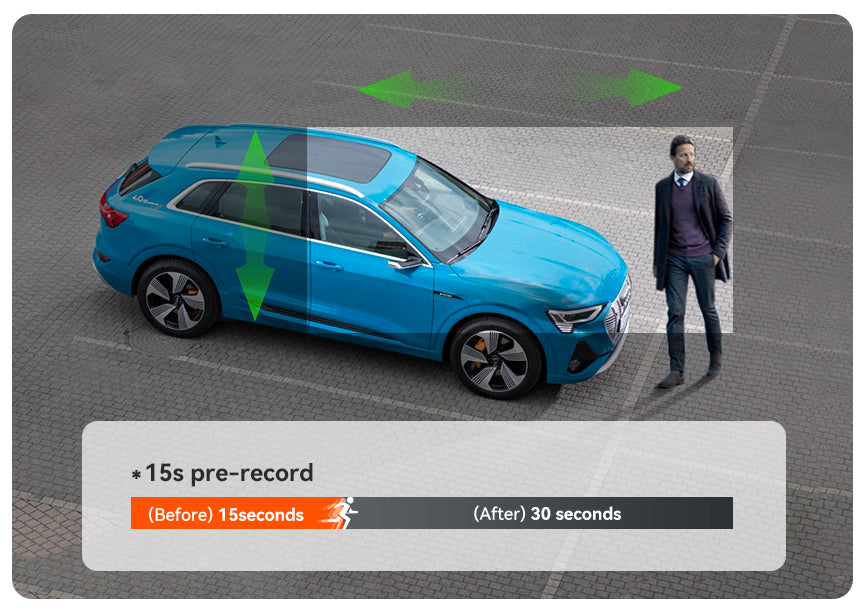
15 seconds of footage before it detect any movement around your car and 30 seconds after the event occurs in Motion detection parking mode.
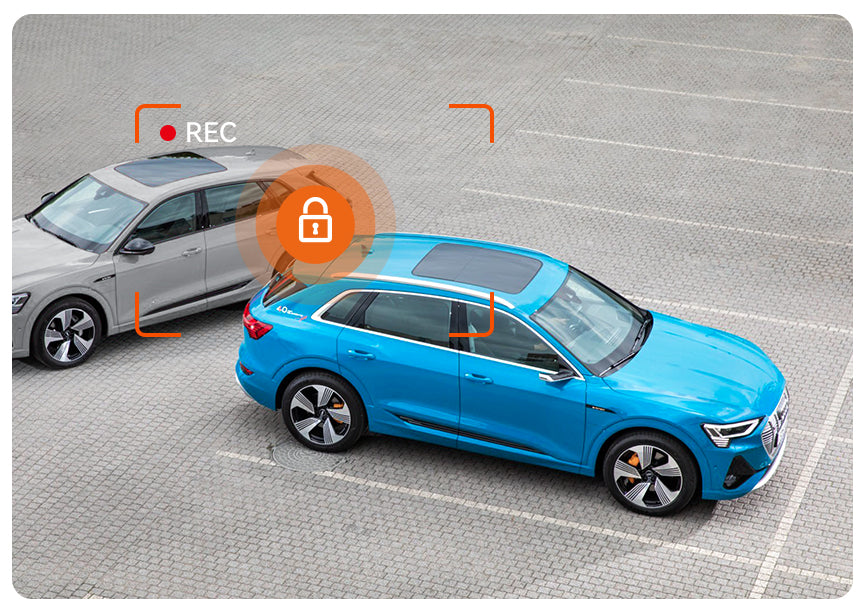
It will start recording when someone bumps your car, greatly saving the car’s battery power.
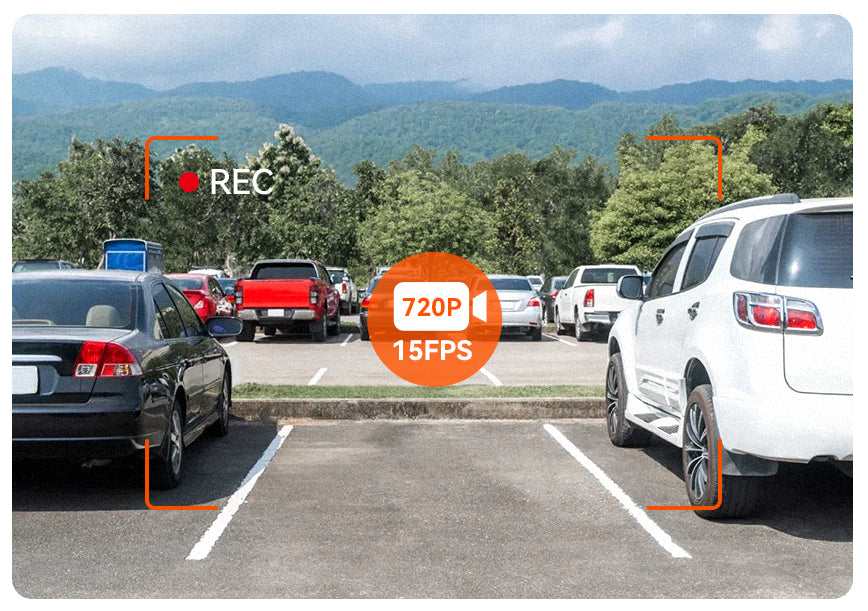
If set to Low Bitrates Recording, the dash cam will enter parking mode if it doesn't detect any movement in 5 minutes and will continue recording at 720p 15 FPS. The length of each clip will be the same as the loop recording setting.
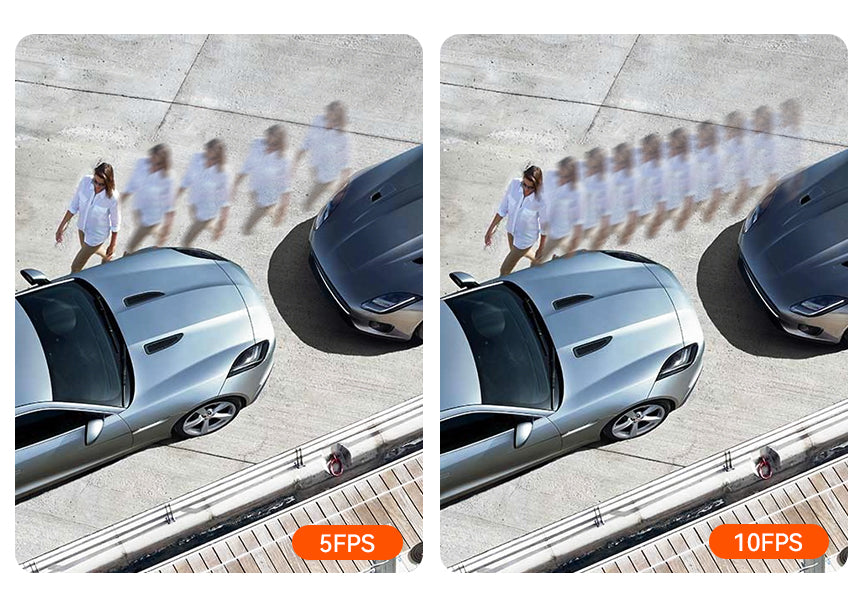
Low Frame Rate Recording allows your dash cam to continuously record at 1 FPS (one frame per second). Videos are played back at 30 FPS. Each 1-minute video covers a real-time period of 30 minutes. Please note: the camera won’t record sound in this mode.