
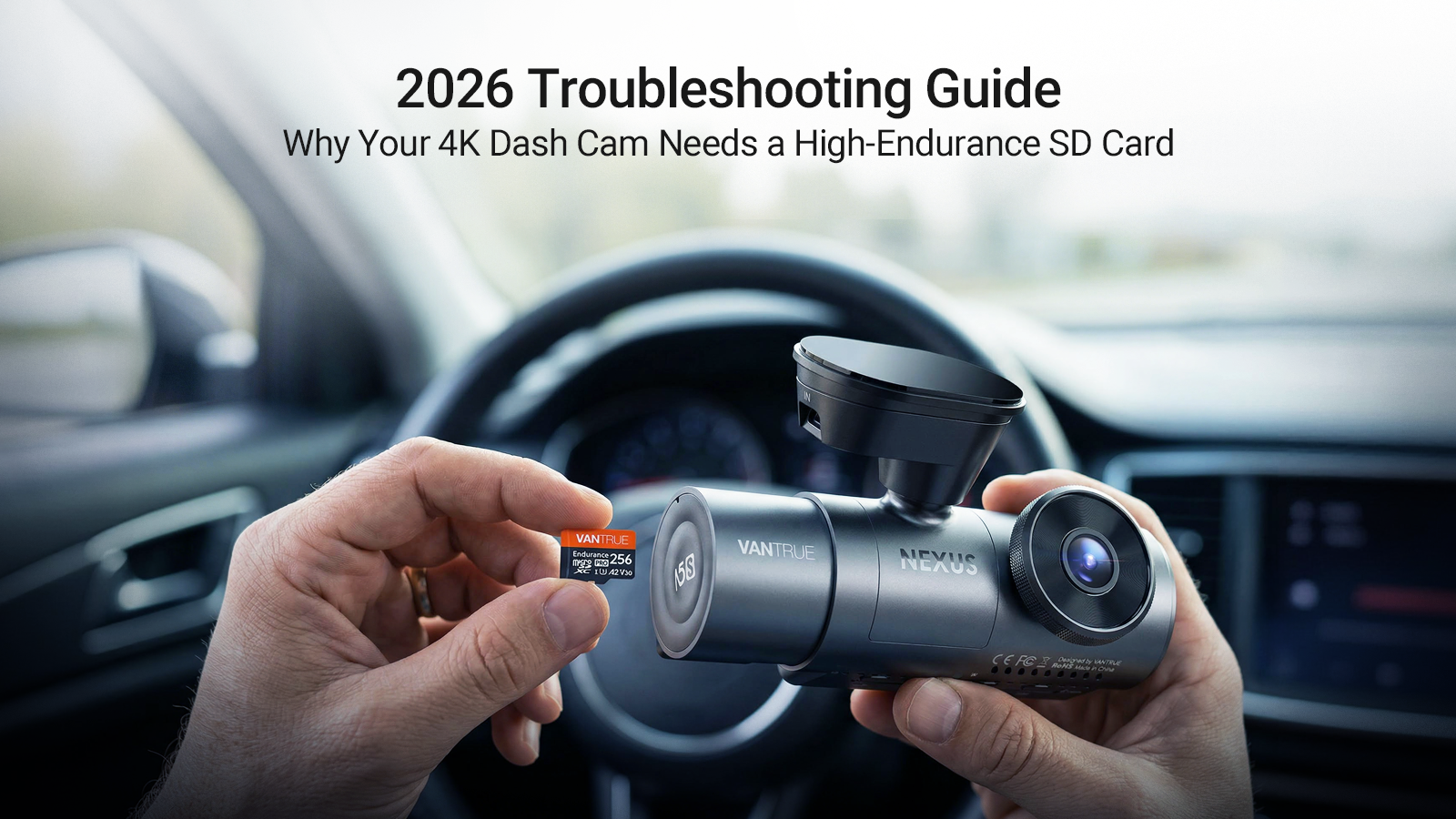
This is a commonly reported occurrence among dash cam users: Check their device following an incident only to find that the footage has been corrupted. As a result, they were forced to pay the insurance. In just one swift moment, the person was dealt three strikes. Getting the best sd card for dash cam cannot be overstated. So if you get yourself a dash cam, why not buy a good-quality memory card to go with it, right?
At the center of all this melee is the sheer demand for 4K recording. With plain common memory cards, data is often lost because it can’t handle a continuous workload.
In this brief guide, we will simplify the often confusing technicalities of TF, SD cards, and MicroSD cards. At the end of this, you’ll understand why a high-endurance card is exactly what you need to go with your 4K dash cam. You need to know the specifications, capacity, and maintenance requirements so you won’t ever encounter the much-maligned “Memory Error” message.
What Is a TF Card? Demystifying the Basics
“TF card” sounds good enough for your dash cam. And you might buy the label because it has been the standard for data storage for more than two decades now. TF stands for TransFlash, a flash memory card format introduced in 2004. At only 11mm x 15mm, it was so well marketed that it has become the go-to storage card for all compact portable devices.
In 2005, TF was rebranded as microSD cards. Both are functionally the same–size, interface, and data transfer protocols. Nowadays, ff you find a product that is marked as “TF card for dash cam”, it’s basically a microSD card.
However, a full-size SD card, sized at 24mm x 32mm, is different. Often used for digital cameras and laptops. It’s actually a poor fit for modern dash cams because these cards have lower endurance ratings. It is not designed for continuous data overwrites.

MicroSD Cards and SD Cards: Key Comparisons for Dash Cams
With the gruelling demands of 4K dash cams to memory cards, don’t look further than microSD cards. The card is so compact that it fits into the smallest memory slot on your dash cam. Upon use, the device will record data at impressive read/write speeds, which you will need when recording at the high bitrates of 4K video. With 1TB of memory now standard for such cards, microSD cards can easily perform loop recordings.
On the other hand, full-sized SD cards have been left in the dust. You can now consider them as the “box cars” of the 70s and 80s. Their bulk won’t fit into newer memory slots. They cannot endure long overwriting cycles, and they won’t withstand temperature volatilities inside the vehicle.
TF Card vs MicroSD: What Is the Difference?
First off, as mentioned earlier, both are functionally the same. If you search for a micro SD card for dash cam, you are basically looking for a TF card. They are technically interchangeable.
TF Card vs SD Card: Key Differences and Use Cases
Here’s where the differences become drastic, both in its size and applications. MicroSD cards are designed to be compact and best suited for premium mobile devices such as drones, smartphones, action cameras, and dash cams.
While SD and microSD cards have their own speed classifications like UHS or Class 10, microSD cards are more robust, better at storing data, and a durable choice for dash cam use.
Use a full-size SD card for devices where the card is slid into a slot and removed infrequently. Their data is more static, not cyclic, like digital cameras for photo shoots.
The 4K Bottleneck: Why High-Endurance Matters
If you’re using a top-of-the-line 4K dash cam like the Vantrue N4 Pro, the device's demands require a memory card that can store approximately 4 times as much as a standard 1080p camera.
This is equivalent to whipping a horse to run faster than it can and killing it from exhaustion. Standard memory cards–the ones intended for smartphones–are simply horses when you need a more-abled machine to run things.
A 4K stream will hammer your standard card, leading to corruption and overwrite errors. Loop recording that dash cams will constantly pound your card, deleting files and writing new ones over and over again. A regular card will wear out quickly. A micro SD card for dash cam is labelled as high endurance because it can keep up with this workload.

By High-Endurance, this means that
- MLC or pSLC NAND Flash: These cards can handle 10,000 cycles of rewrites with higher quality cells.
- Temperature Resilience: Under extreme cabin temperatures, typically ranging from 25°C to 85°C (-13°F to 185°F).
- Surveillance Grade: Can perform optimized recording for 24/7
Lifespan & Reliability: Spotting the Best Cards
If you want the best SD card for a dash cam, be careful of buying it for its flash, but later find out it has no bang. In other words, don’t rely on the flashy numbers on the front of the packaging. Rather…
- Check the Warranty: Manufacturers of high-endurance cards offer a reasonably long warranty. If you read something like “warranty void if used on a continuous recording device”, that’s a red flag.
- Watch for Warning Signs: Other red flags after purchase include dropped frames or jumpy video. Your card is likely failing if you notice "dropped frames" (jumpy video). Or the camera restarts on its own, and you see “Slow Card” flashing on your screen.
- The 12–18 Month Rule: The best cards have a life cycle. They can only perform within a set period. So you have to anticipate buying new cards around every 12-18 months.
- Avoid Counterfeits: Buy only from reputable retailers. Counterfeit cards abound in the market. These cards will show 256GB on your computer, but stop working when the data reaches 32GB.
Capacity Guide: Best 256GB SD Card for Dash Cam Hours
A frequently asked question is “how much footage can I actually store?” When using 4K recording, a 128GB is considered the borderline. Anything less, and the card will work too hard, shortening its lifespan.
Here is a table of estimated recording hours for 4K setups:
|
Card Capacity |
1080p (Single Channel) |
4K (Front Only) |
4K + 1080p (Dual/Triple) |
|
32GB |
4-5 Hours |
~1 Hour |
Not Recommended |
|
64GB |
8-10 Hours |
~2-3 Hours |
~1.5 Hours |
|
128GB |
16-20 Hours |
~5-6 Hours |
~3-4 Hours |
|
256GB |
30-40 Hours |
20-30 Hours |
10-15 Hours |
For drivers working long hours or operating a rideshare business, use the best 256GB SD card for dash cam . This will provide enough buffer to cover an entire day of footage without overwriting data recorded in the morning.
The Formatting Ritual: Fix Memory Errors
Occasionally, even the best SD card for dash cam will flash a message “card error” or memory error” if you did not perform any maintenance. When this happens, it is most likely due to the file become fragmented from thousands of small “protected” files (saved via G-sensor triggers). Fragmented data means it has become cluttered.
The Monthly Formatting Ritual:
- Use the Dash Cam App: Don’t perform card formatting on your PC or Mac whenever possible. Dash cams typically have their own apps (like the Vantrue app ) or the camera’s built-in menu. Use those instead.
- Format Monthly: This cleans up the "locked" files and resets the file allocation table. A reset basically saves data on a clean slate.
- Troubleshoot: If you receive a "Memory Error" loop, the first thing to do is eject the card and reinsert it, which will trigger a format. If the error persists, this signals that the card has reached its end of life. The write protection has permanently locked itself to prevent data loss.
Practical Tips for Dash Cam Memory Cards
Make sure you never lose footage of your time on the road. Follow these standards to protect your data.
- Speed Class: Make sure that your card has at least U3, V30, or Class 10 . For 4K, a V30 (Video Speed Class 30) is considered the minimum. Anything less than this will lead to buffering issues.
- Prioritize Heat Resistance: During summer, car interiors can exceed 60°C (140°F). Some cards won’t survive this. Make sure yours don’t by looking at the label that says “High Endurance” and “Heat Resistance”.
- The Adapter Rule: If your dash cam has a full-size SD card slot, you can insert a microSD card with an adapter. However, don’t use cheap, unproven adapters; your data will only end up disconnected.
Conclusion
High-definition driving and recording always depend on the medium where data is stored. A 4K dash cam has advanced significantly . But all that can be thrown out the window if you pair it with the word "memory card." You will always need a high-endurance microSD card to ensure you get the footage when you need it and avoid memory error loops.
Stay off generic cards. If you’re looking for cards you can rely on 100%, we recommend Vantrue’s line of high-endurance cards , designed to withstand all the stress of loop recording and extreme temperatures.
Deel:
Waarom koud weer invloed heeft op uw dashcam met parkeermodus (en hoe u uw accu kunt beschermen)
Beste 4K-dashcams van 2026: de ultieme gids voor 1, 2 en 3-kanaals systemen