
Quick Answer
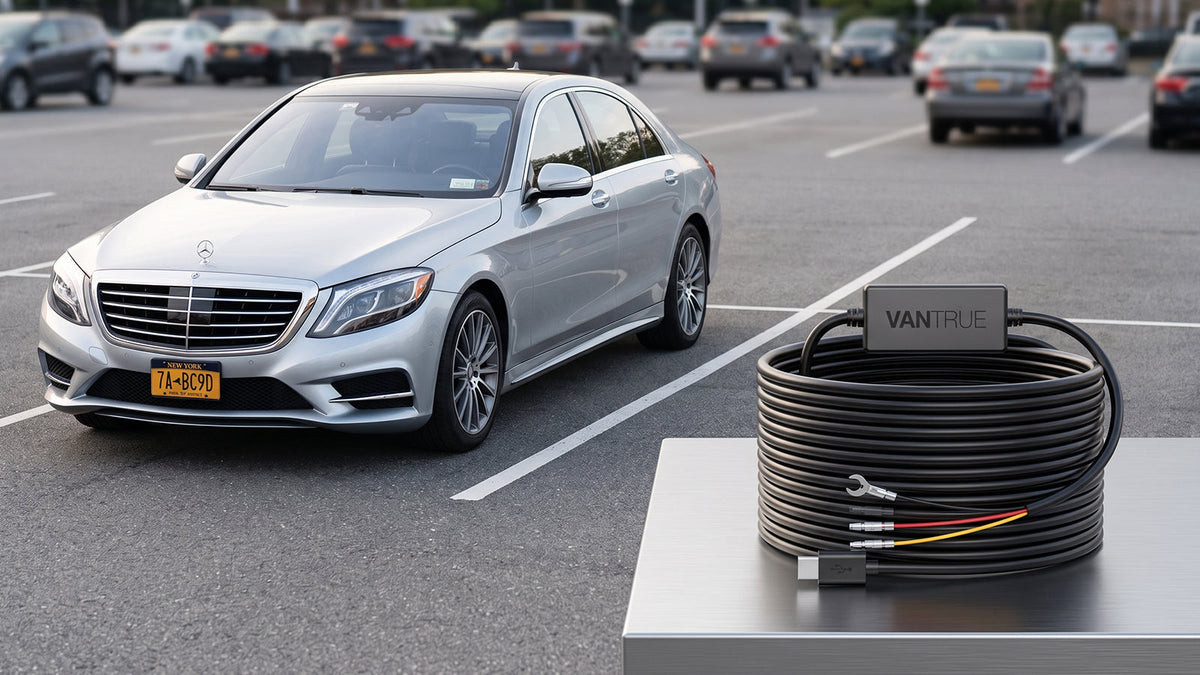
To use parking mode reliably, your dash cam needs a power source that remains available after the vehicle is switched off, plus a compatible way to tell the camera that the vehicle is parked. A three-wire hardwire kit is a common solution: it connects to constant power, an ignition-switched circuit and ground, and may include low-voltage cutoff. A 12V outlet can be simpler, but whether it stays powered with the vehicle off depends on the vehicle. Before choosing, check your dash cam manual, vehicle owner’s manual and battery condition.
Why Do You Need Parking Mode?
Imagine returning to your vehicle in a busy parking lot or underground garage, only to discover a fresh hit-and-run dent on your door or a deep scratch on the bumper—with no driver or note in sight. Standard dash cams power down the moment you turn off the ignition, leaving your vehicle unmonitored during its most vulnerable hours.
A parking mode dash cam turns your device into a 24/7 silent security guard. Instead of facing expensive out-of-pocket repair bills, parking mode provides critical video evidence, timestamped records, and complete peace of mind whenever you park your vehicle unattended.
Do You Need a Hardwire Kit?
Choosing the right power connection is critical for reliable parking surveillance. Here is how the three primary power options compare:
|
Consideration |
12V Outlet |
OBD2 Power Cable |
Hardwire Kit |
|
Installation Difficulty |
Easiest (Plug-and-play) |
Easiest (Plugs into OBD2 port) |
Moderate (Requires fuse box connections) |
|
Power After Engine Off |
Unreliable; most 12V outlets turn off with ignition |
Provides constant or ACC power |
Highest reliability (Draws directly from main fuse box) |
|
Parking Mode Support |
Poor (Cannot detect ignition state automatically) |
Supported (Some models include voltage cutoff) |
Best (Supports automatic ACC state switching) |
|
Cable Management |
Poor (Exposed cables over the dashboard) |
Good (Cables hidden above pedals) |
Perfect (Wiring fully hidden behind interior trim) |
These power options can work. The better choice depends on whether you want a quick installation or automatic parking coverage, and on how your particular vehicle supplies power.
Which Parking Mode Is Right for You?
You don't need to get bogged down in complex technical specifications. Choose the parking surveillance mode that best matches your daily parking environment and battery preferences:
|
Mode |
How it generally works |
Best fit / trade-off |
|
AOV Collision Detection |
Operates in an ultra-low-power standby state to preserve a continuous timeline, automatically switching to full-frame recording upon detecting an impact. |
Maximum Power Savings / Private Spots Best for multi-day parking, home driveways, or cold weather to maximize battery life while capturing critical evidence. |
|
AOV Time-Lapse Recording |
Captures continuous low-frame-rate footage without locking events, compressing hours of parking into a quick playback. |
Full Visual Coverage / Busy Streets Best for public garages or high-traffic areas where you need non-stop video history. |
|
Standard Collision Detection |
Remains completely powered off until a physical vehicle vibration wakes the camera up to record. |
Ultra-Low Power / Older Batteries Uses minimal power, though it cannot capture the moments leading up to the impact. |
|
Motion Detection |
Triggers recording whenever motion is detected in front of the lens (includes a 6-second pre-recording to capture pre-event footage). |
Pedestrian & Vandalism Monitoring Great for capturing suspicious activity near your car, but high foot traffic can cause frequent triggers. |
|
Low Bitrate / Low Frame Rate |
Continuously records at a lower resolution or frame rate (5FPS–15FPS) to dramatically save memory card space. |
Long Trips / Constant Tracking Ideal for drivers who park for days at a time and need uninterrupted footage without overwriting files. |
Quick Recommendation:
If your dash cam supports AOV, choose AOV Collision Detection for battery efficiency or AOV Time-Lapse for 24/7 visual awareness.
If your camera does not support AOV, choose Motion Detection (with Pre-Recording) for street parking or Standard Collision Detection for garage parking.
How to Set It Up
Installing your dash cam for parking mode is straightforward and can be completed in three simple steps:
Configure and Wire the Hardwire Kit (Power OFF):
DIP Switches: Unplug the kit from power. Adjust DIP switches to your desired cutoff settings (e.g., UP-UP for 11.6V, DOWN-DOWN-UP for 24 Hours).
Wiring: Use a multimeter to identify fuses. Connect B+ (Red) to a constant fuse, ACC (Yellow) to an ignition fuse, and GND (Black) to a bare chassis metal bolt.
A-Pillar Routing: Remove the A-pillar trim and secure the wire behind the side curtain airbag along the factory harness.
Mount Camera & Route Rear Cable:
Clean the windshield glass with isopropyl alcohol before applying the adhesive mount behind the rearview mirror.
For rear cameras, route the cable along the lower door sills (to avoid top airbags) and thread it through the tailgate rubber grommet (use silicone spray for smooth threading).
Configure Settings & Perform Verification Test:
Turn on ignition power and select your preferred parking mode (e.g., AOV Collision or Time-Lapse) in the camera menu.
Turn off the ignition and lock the car. Verify that the camera transitions smoothly into parking mode within 1–2 minutes, and powers off automatically once the cutoff limit is reached.
Frequently Asked Questions
Can I use a 12V outlet for parking mode?
It’s not recommended. Many 12V outlets shut off when the engine is off, which means your dash cam may stop recording when you park. For reliable parking mode, a hardwire kit for dash cam is a better choice because it provides a more consistent power supply when the engine is off.
Will low-voltage cutoff guarantee my car will start?
No. It can stop the camera at a set threshold, but battery condition, temperature and vehicle loads affect starting ability.
Do all Vantrue cameras have the same parking modes?
No. Available modes and behavior vary by model, hardware kit and sometimes firmware. Check the exact manual and product support page.
Should I install the kit myself?
Fuse layouts, airbag locations and trim differ by vehicle, including across Tacoma, Wrangler and RAV4 model years. A qualified installer is a practical choice when anything is unclear.
Can I leave parking mode on all winter?
There is no universal safe duration. Consider battery health, temperatures, parking frequency, selected mode and cutoff setting. Monitor the vehicle and use a dedicated battery pack if longer coverage is important.
Conclusion
Protecting your vehicle around the clock doesn’t have to be complicated. By combining a compatible hardwire kit with the right parking mode setting, you can ensure non-stop surveillance without risking a drained car battery. Whether you choose AOV Collision Detection for long-term battery conservation or AOV Time-Lapse for continuous coverage, your dash cam will act as a reliable silent witness whenever you leave your car unattended.
Ready to set up 24/7 parking protection? Check out our official [Dash Cam Hardwire Kit Guide] for vehicle-specific fuse box diagrams, or explore our latest [AOV-Enabled Dash Cams] to upgrade your vehicle's security today.
Dele:
How Vehicle-Mounted Thermal Cameras Protect Drivers,Cars,and Wallets Off-Road