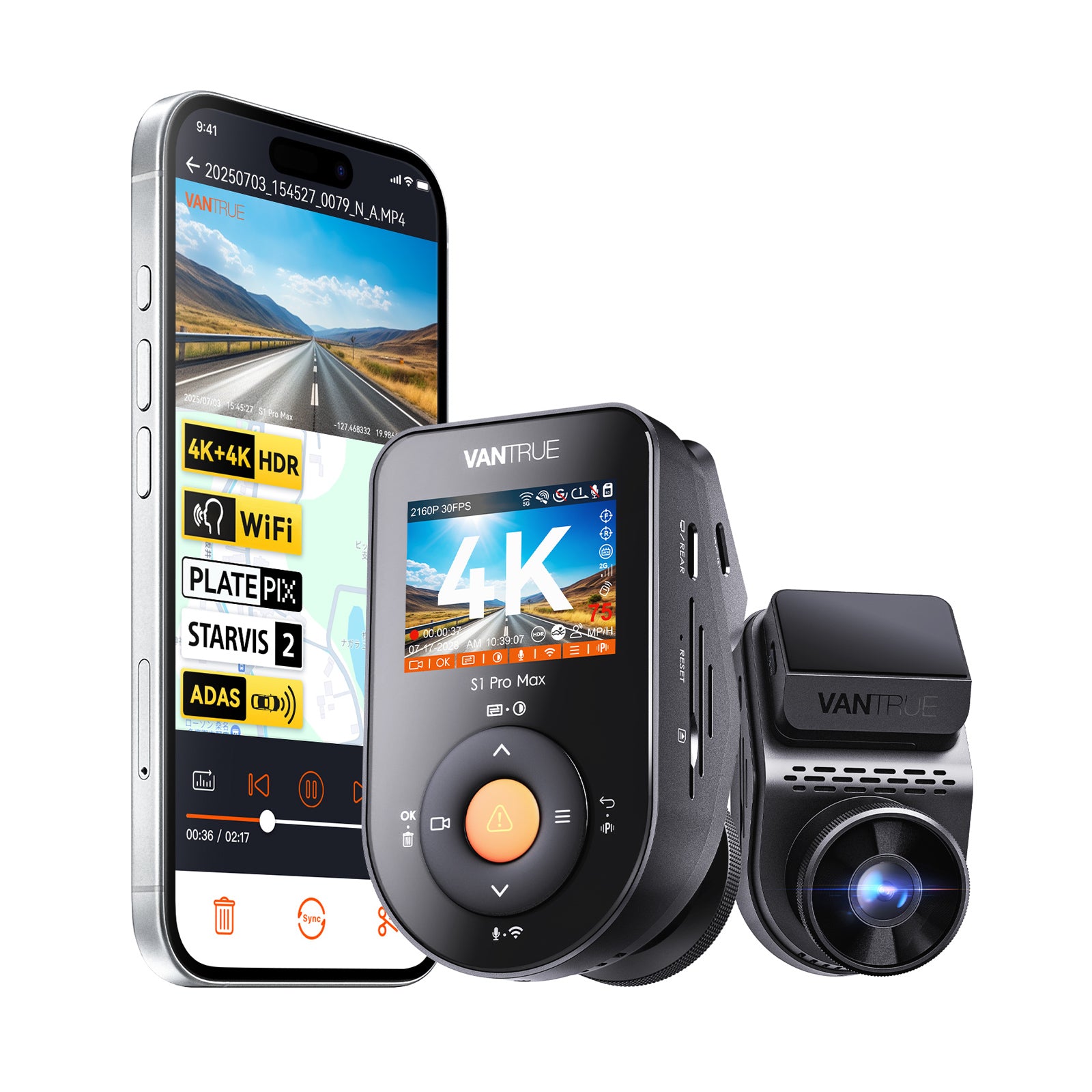
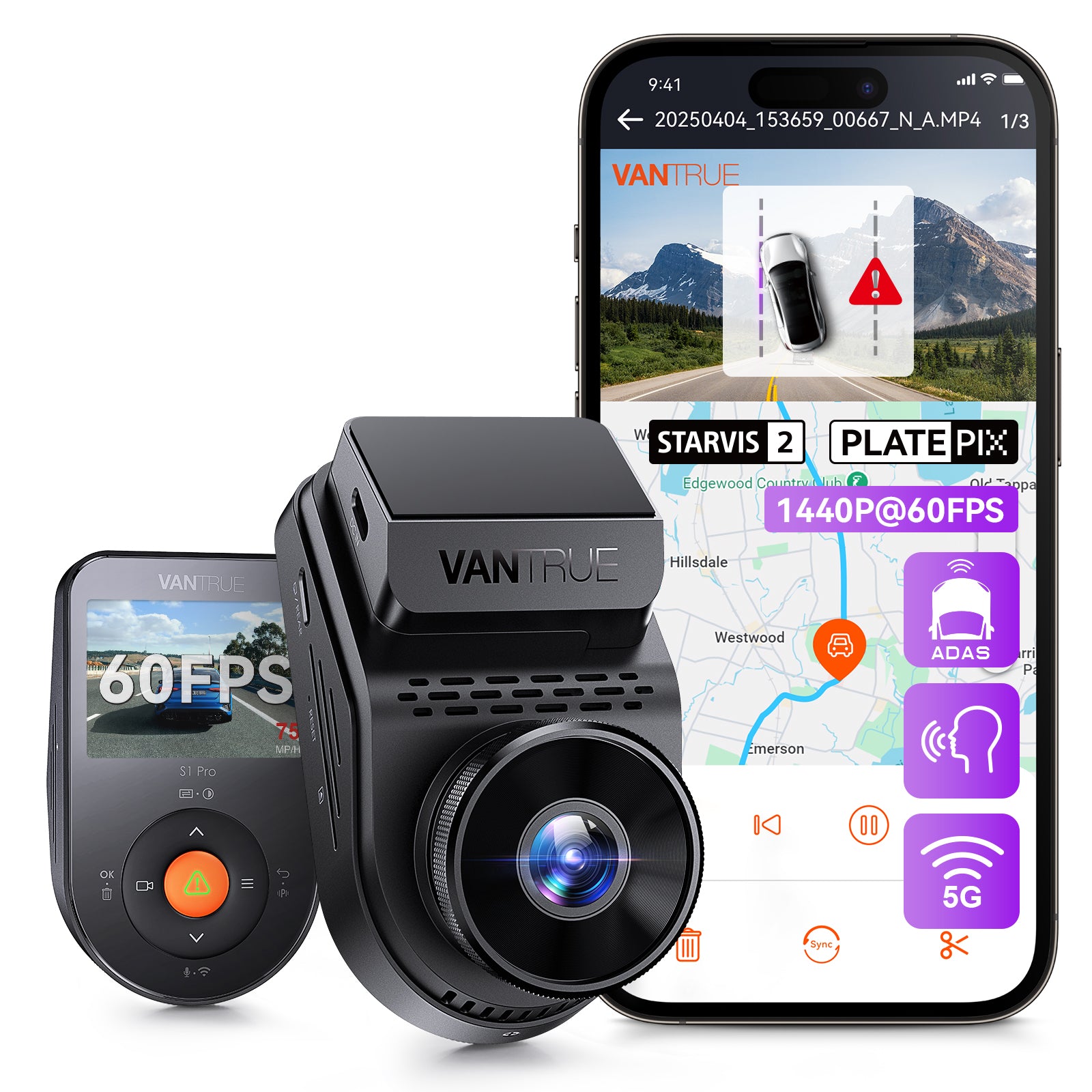

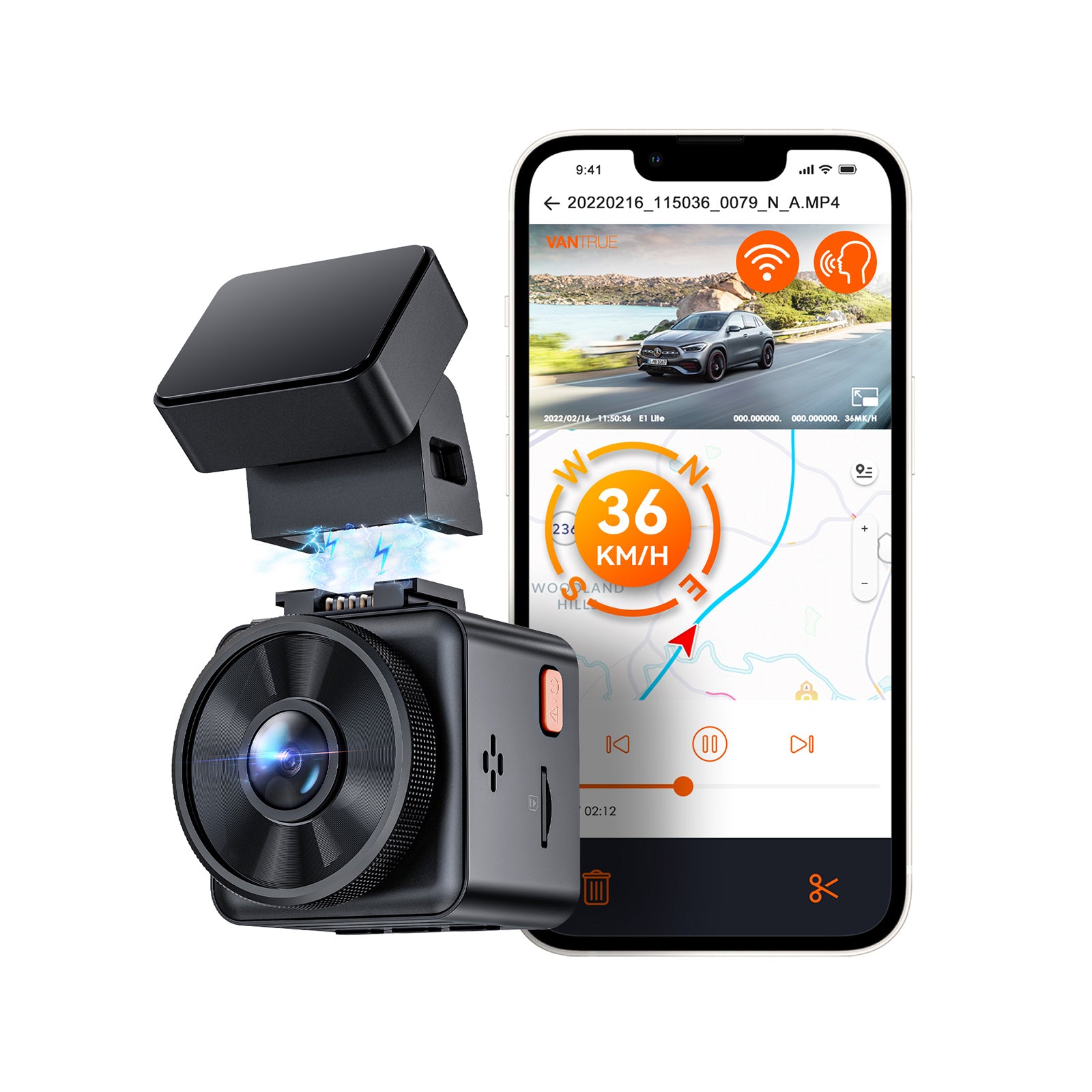
S1 Pro Max vs S1 Pro vs Element 1 Pro
Sony STARVIS 2 IMX678 CMOS Sensor
Sony STARVIS 2 IMX675 CMOS Sensor
Sony STARVIS 2 IMX678 CMOS Sensor
4K
2592x1944P/30FPS
4K
1-Channel
1-Channel
1-Channel
155°
160°
158°
Front-Only dashcam FAQs
Check out the most common questions our customers asked. Still have questions? Contact our customer support.
Is a front-only dash cam enough for daily driving?
For basic daily driving, a front-only camera can record road conditions, traffic events, and incidents in front of the car. If you want rear, cabin, or side coverage, a multi-channel option may be better.
Who should choose a front-only dash cam?
A front-only model is a good choice for drivers who want a simple setup, lower installation effort, or a more affordable way to record their daily trips.
How do I install a suction cup mount for a front dash cam?
To install a suction cup mount, slide the mount into the dash cam’s mounting slot until you hear a click. Clean the windshield thoroughly with water or alcohol, then dry it with a clean cloth. Wipe the suction pad clean, press the suction cup firmly against the windshield, and rotate the locking lever upward by 90° until it clicks into place. A secure mount helps keep the front dash cam stable while driving.
What settings should I check when using a dash cam for the first time?
For first-time use, check the power supply, SD card, video resolution, loop recording, G-sensor sensitivity, and time/date settings. We recommend powering the device through the GPS mount when applicable, formatting a high-speed memory card before use, choosing a resolution based on card capacity, enabling loop recording, setting G-sensor sensitivity to Medium to avoid frequent file locking, and calibrating the time and date. These basic settings help the front dash cam record more reliably from the start.
What settings are required for first-time use?
① Power Supply: It is recommended to power the device by connecting it via the GPS mount. Format the memory card (we recommend a high-speed, industrial-grade card—Class 10 A2 U3 or higher—with a capacity between 32GB and 1TB); ② Set Video Resolution: Select based on your memory card's capacity (1080P/60fps or 4K/30fps); ③ Enable Loop Recording: We recommend setting the segment duration to 3 minutes (or use the default setting of 1 minute); ④ Adjust G-sensor Sensitivity: A "Medium" setting is recommended to prevent frequent file locking triggered by sudden braking; ⑤ Calibrate the Time and Date.
Explore More